





HORIZON 9/2.4GHz
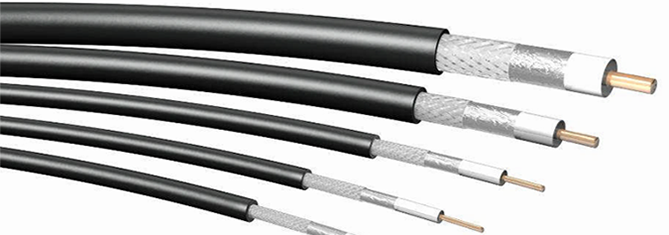
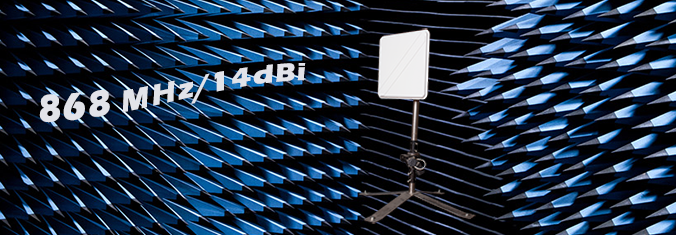
Each interline product is designed to perform in a variety of environments. Implementing the antenna system can greatly improve coverage and performance.To optimize the overall performance of a wireless LAN, it is important to understand how to maximize radio coverage with the appropriate antenna selection and placement. An antenna system comprises numerous components, including the antenna, mounting hardware, connectors, antenna cabling, and in somecases, a lightning arrestor.




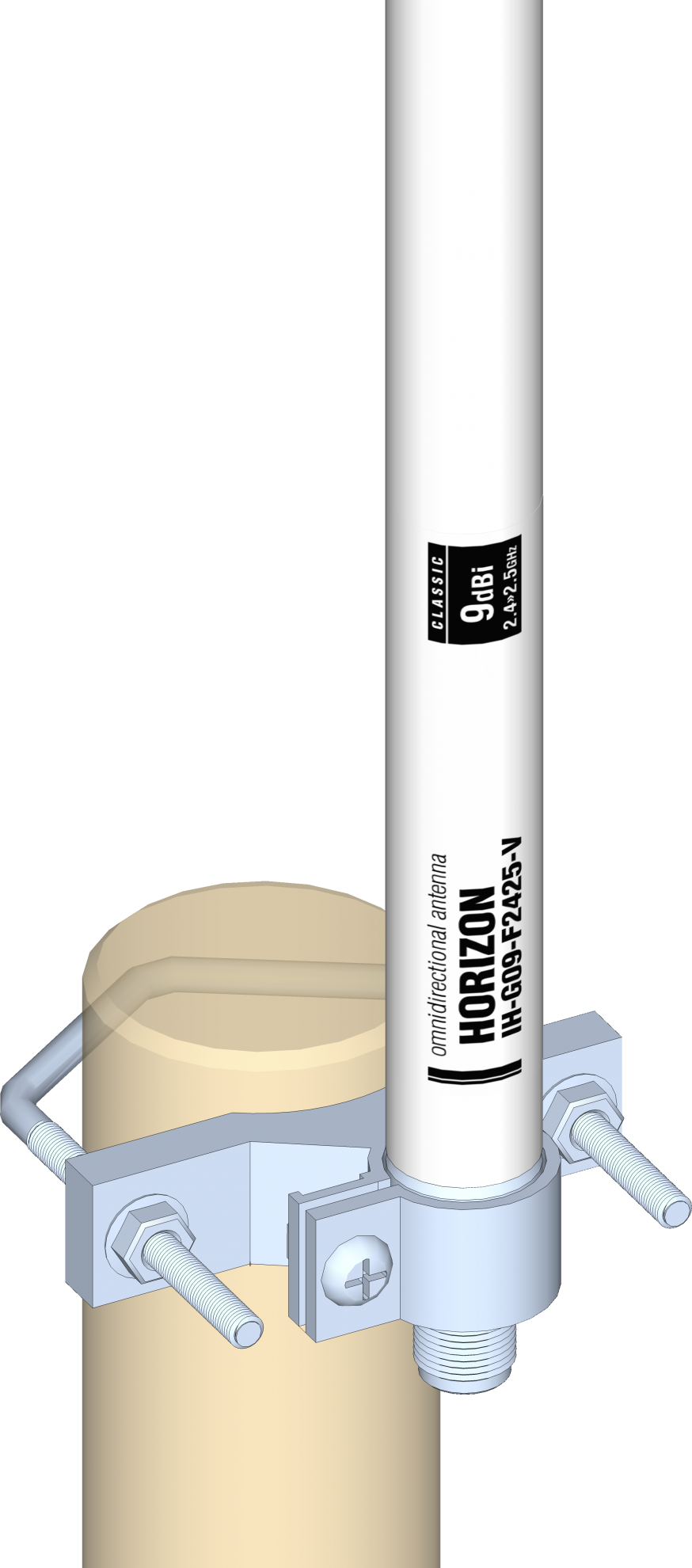
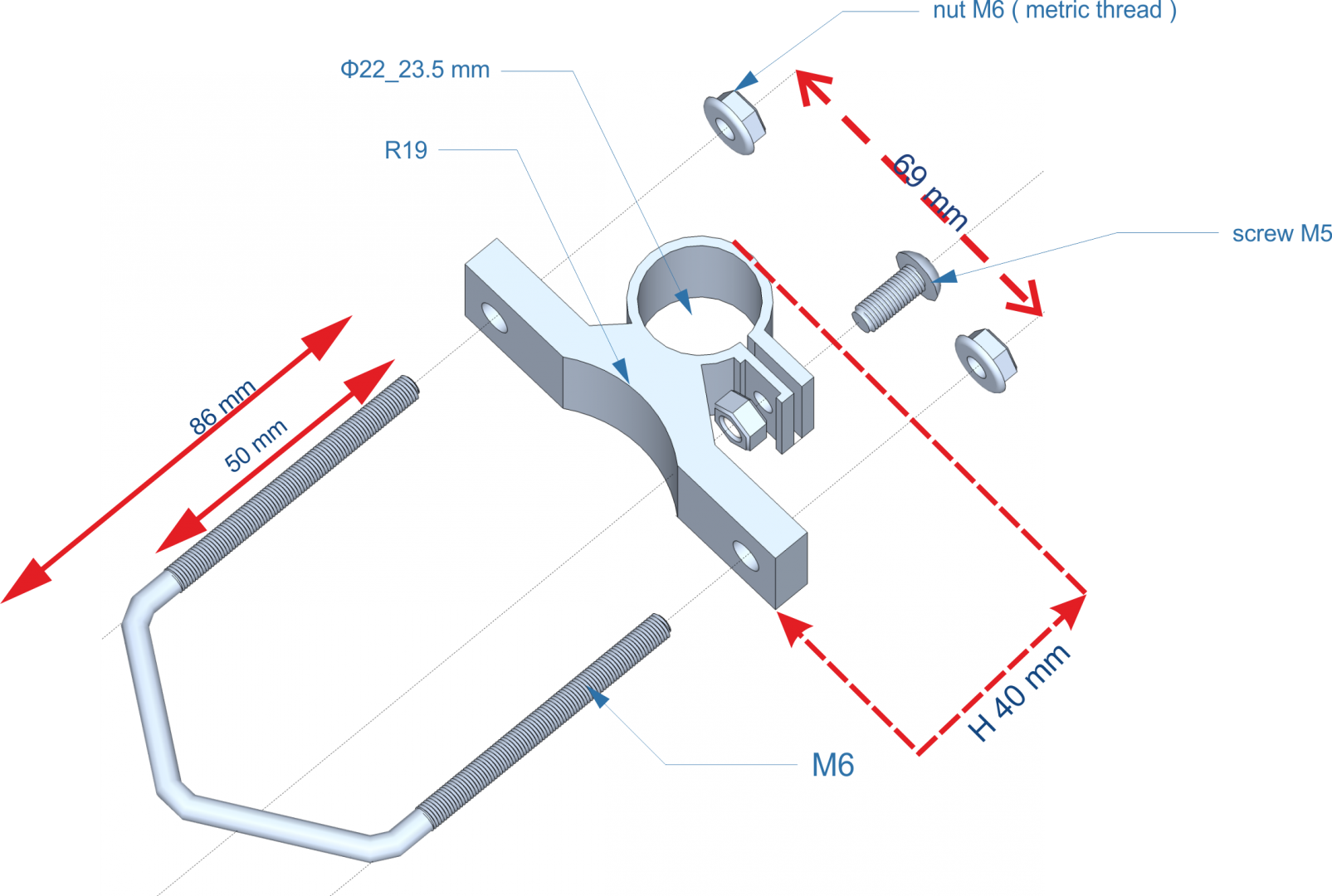
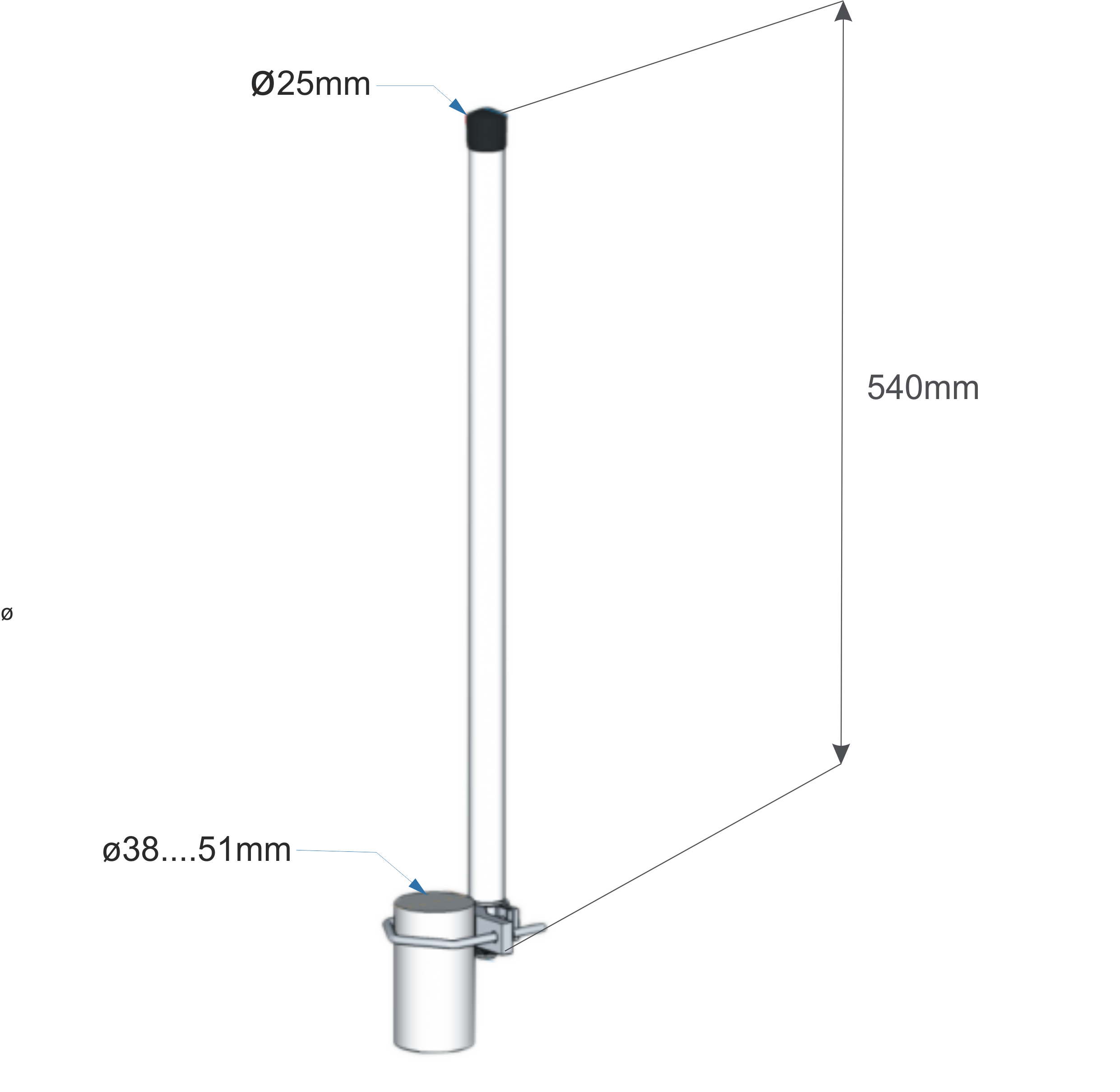


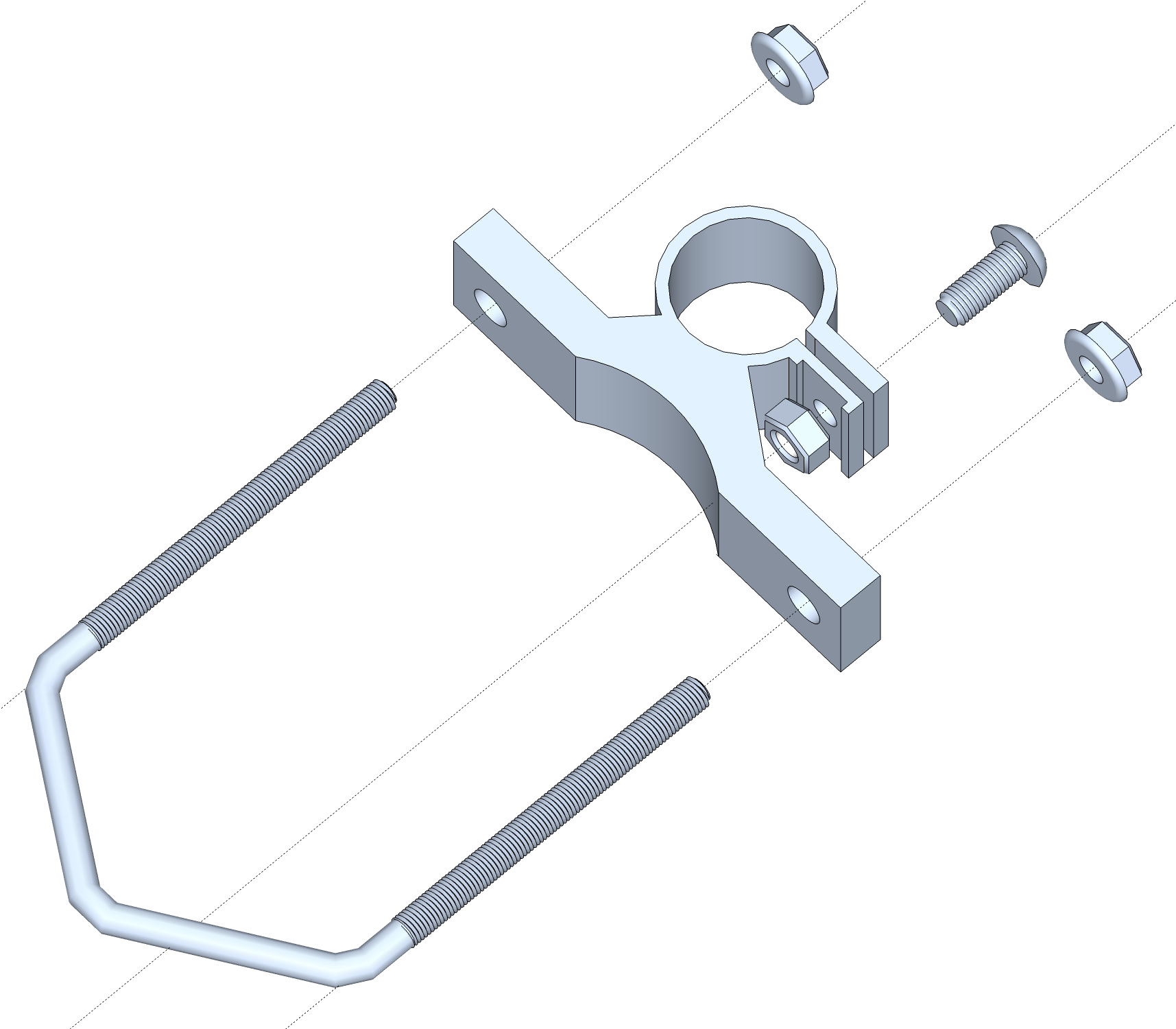

Fine adjustment of the antenna ensures the correct propagation of radio signals. Proper installation of the mast, antenna and cable provide a stable and proper operation of the antenna installation.Horizon series antennas can be mounted under the ceiling (vice versa) with the cable or jack upside down
- Level mast or boom using a bubble leveler.
- Assemble the antenna mount as on drawing.
- Level mast or boom using a bubble leveler.
- Assemble the antenna mount as on drawing.
- Mount antenna on the mast.
- Level the mast or boom, check antenna vertical position.
- Vent holes should be located at the bottom of the antenna.
- Screw the antenna to the mast, leaving slack in the adjustment of direction and inclination.
- Determine the direction and inclination.
- Finally tighten the mounting screws.
- Connect cable and insulate antenna connector.
- Fasten cable to the mast or boom.
- It is worth to note achieved link parameters.